100login Withdrawal & Verification: cash out without the guesswork
Work through this page once and you will be able to send a withdrawal request, understand the limits on it, prepare the documents your first payout needs, and fix the usual reasons a request stalls. It is written to be followed on a phone with the cashier screen open.
| Minimum withdrawal | RM110 per request |
|---|---|
| Daily ceiling | RM13,000 on the Starter tier |
| Approved payout | Around 20 minutes |
| Document review | Up to 6 hours |
| Minimum deposit | RM35 |
Withdrawing from 100login: four steps from lobby to bank
The cashier asks for very little: an amount, a method, an account in your own name, and a balance that is free to leave. Everything else on this page is about timing and paperwork, not about learning a complicated screen.
-
1Clear turnover first
Bonus money stays locked until its 22× turnover requirement is finished. The cashier shows the remaining amount, so check it before you plan a cash out.
-
2Open the cashier
Log in, choose Cashier, then Withdraw. The same button sits in the mobile menu, so you can finish the request without a desktop.
-
3Pick a method you used
Touch ’n Go eWallet, DuitNow, FPX Online Banking or Bank Transfer. The receiving account must carry your own name, matching your profile.
-
4Submit and keep the ticket
Enter an amount between RM110 and your daily ceiling, then submit. The ticket number is what live chat will ask for if anything needs checking.
Requests sent after midnight count against that calendar day, not the previous session. If you are close to the ceiling, splitting a payout across two days is normal and allowed.
Limits and arrival times: what each method does
All four Malaysian methods behave the same on 100login. A deposit usually shows in about 6 minutes and a cleared withdrawal usually lands in about 20 minutes. What actually changes between players is the daily ceiling, which rises with the tier you are on.
- Touch ’n Go eWallet
- DuitNow
- FPX Online Banking
- Bank Transfer
| Tier | Monthly turnover | Daily withdrawal ceiling | Cashback |
|---|---|---|---|
| Starter | From the first deposit | RM13,000 | 0.4% |
| Silver | RM65,000 | RM21,000 | 0.55% |
| Gold | RM260,000 | RM35,000 | 0.7% |
| Ruby | RM1,100,000 | RM57,000 | 0.85% |
The ceiling is per day, not per request, so several smaller cash outs on a busy Saturday add up to the same limit. Tier movement is reviewed on monthly turnover in ringgit, and the full breakdown sits in the bonus and VIP guide.
Why a request sometimes waits
An approved request reaches your wallet or bank in about 20 minutes. A request that needs a human look takes longer, and the two things that trigger that look are an unfinished verification file and an unusual pattern on the account. Neither one is a rejection, and neither one needs a second request from you.
Verification before your first payout, in one sitting
Verification is a single check on a single file. The compliance team needs to see that the person holding the account is the person named on the ID and on the receiving bank or wallet. Once your file is approved it stays approved, and later withdrawals skip this queue entirely.
| Document | What it confirms | How to send it |
|---|---|---|
| National ID Card (NID) | Your name, IC number and photo match the account profile | Front and back in one clear image |
| Passport | The same check for players holding a non-Malaysian document | Photo page only, all corners visible |
| Driving Licence | A backup when the IC photo is worn, cracked or expired | Front view with the licence number readable |
Only one of these is needed. A reviewer opens the file within 6 hours of upload, and usually sooner during Malaysian daytime hours. If something is unreadable you get a message on the account with the reason, and a second upload goes to the front of the queue.
Uploading documents that pass on the first attempt
- Open the verification section. It sits inside your account settings and unlocks the moment you request your first withdrawal. Nothing is asked for before that.
- Choose the document type. Pick National ID Card, Passport or Driving Licence, matching what you actually hold. Sending a different document than the one you select is the quickest way to a delay.
- Take the photo in daylight. Lay the card flat on a plain surface, fill most of the frame, and avoid the flash. Reflections across the number are the most common reason a photo is sent back.
- Add the selfie. Hold the same card beside your face, both fully inside the frame, arms length from the camera. No cap, no sunglasses, no filter.
- Confirm the receiving account. Enter the bank or e-wallet details exactly as they appear on your statement. This is what the payout is matched against.
- Wait for the approval message. You get a notification in the account and by live chat if you ask. Only after approval does the withdrawal ticket move forward.
Photo rules worth following closely
- All four corners of the document inside the frame, with no finger covering the number.
- Colour image, in focus, at least 1000 pixels on the long edge. Screenshots of a screenshot will be refused.
- No heavy shadow across the face in the selfie, and the ID text still readable at that distance.
- The name on the document matches the account name letter for letter. A name change needs the supporting certificate.
- Bank or e-wallet statement showing your full name and account number, taken from the app rather than typed out.
Blurred, cropped or edited files are refused automatically. Sending the original photo from your camera roll, untouched, saves everyone a round trip.
What reviewers check
Three things, in order: the ID is genuine and unexpired, the name matches the profile, and the payout account belongs to the same person. Clear those and there is usually nothing else to discuss.
First payout timing
A first withdrawal is held for up to 2 hours after the file clears, while the payout details are matched for the first time. Later requests return to the usual 20 minutes.
Privacy: what happens to the ID photo you send
Documents land in an encrypted verification folder that only the compliance team can open. They are not used for marketing, not passed to game providers, and not visible to the live chat agent answering your questions. What that agent sees is a status, not your IC number.
Records are kept only for as long as the record-keeping rule requires, then removed. If you want to know what is currently held on your account, ask live chat to open a data request and the team will confirm it in writing.
The full wording, including retention periods and your rights, sits in the privacy policy.
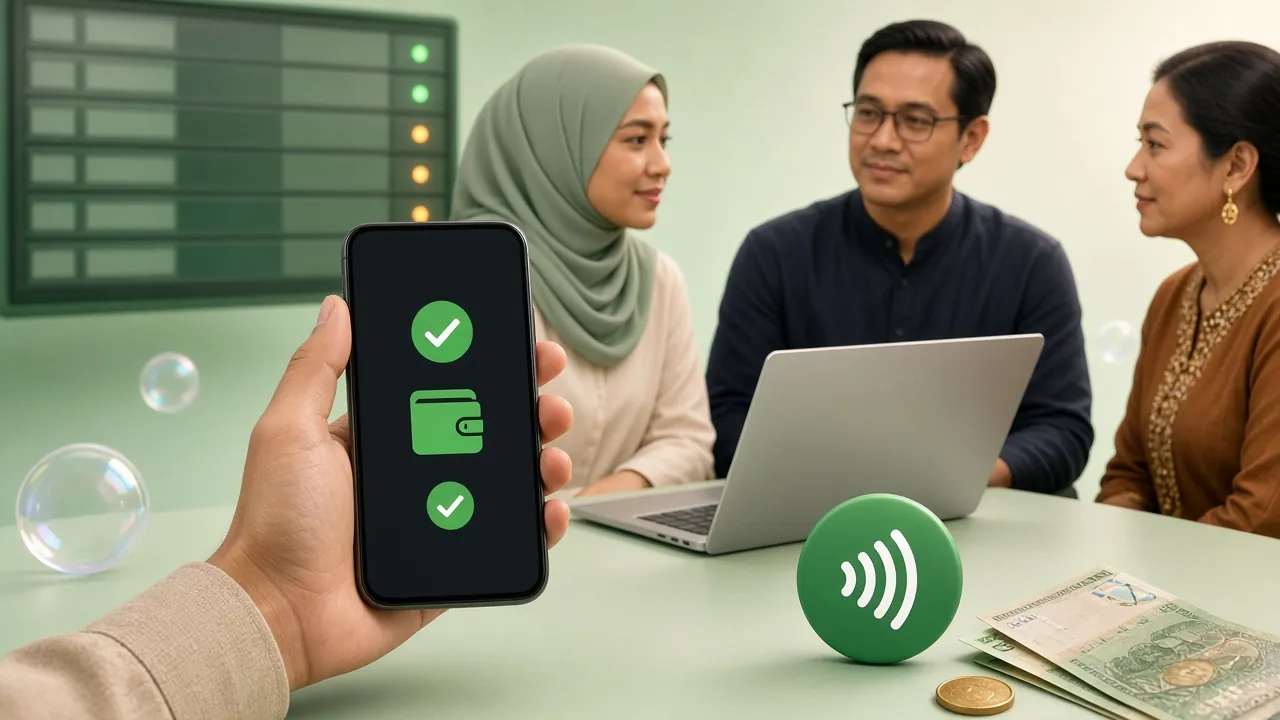
A withdrawal ticket shows its own status, so you can follow the request without asking anyone.
When a withdrawal is held: the four usual causes
Almost every stalled payout traces back to one of the rows below. Each has a fix that costs a few minutes rather than a support ticket, so read the status line on the ticket before you open live chat.
| What happened | What the ticket shows | The fix |
|---|---|---|
| Turnover unfinished | Balance marked as bonus locked | Finish the remaining 22× wagering, then resend the request |
| Name mismatch | Request returned to pending | Re-enter bank or e-wallet details in your own name |
| ID photo refused | Verification reopened | Retake the photo with all four corners visible and no glare |
| Amount below the floor | Request sits unprocessed | Raise the amount to RM110 or above |
| Account under review | Ticket flagged for checking | Wait for live chat to reply. Do not send a second request |
A second request sent while the first is still open slows things down, because two tickets against one balance have to be reconciled by hand. One request, one reference number, one conversation with live chat is always faster.
If you are on a phone with a weak connection, the 100login app keeps the upload and the ticket in one place, so a dropped signal does not lose the photo halfway through.
Questions players ask on the cash-out screen
How long does a 100login withdrawal actually take?
Do I need to verify before I deposit or play?
What is the smallest amount I can withdraw?
Can I send a payout to a friend's Touch ’n Go number?
My IC photo is worn out. What do I send instead?
What if the request fails while I am uploading?
Does anyone take a cut of the payout?
18+ · Play Responsibly. Withdrawals are paid to the account holder only.